Manage generators
In this section, you will learn how to manage your generators.
Rename a generator
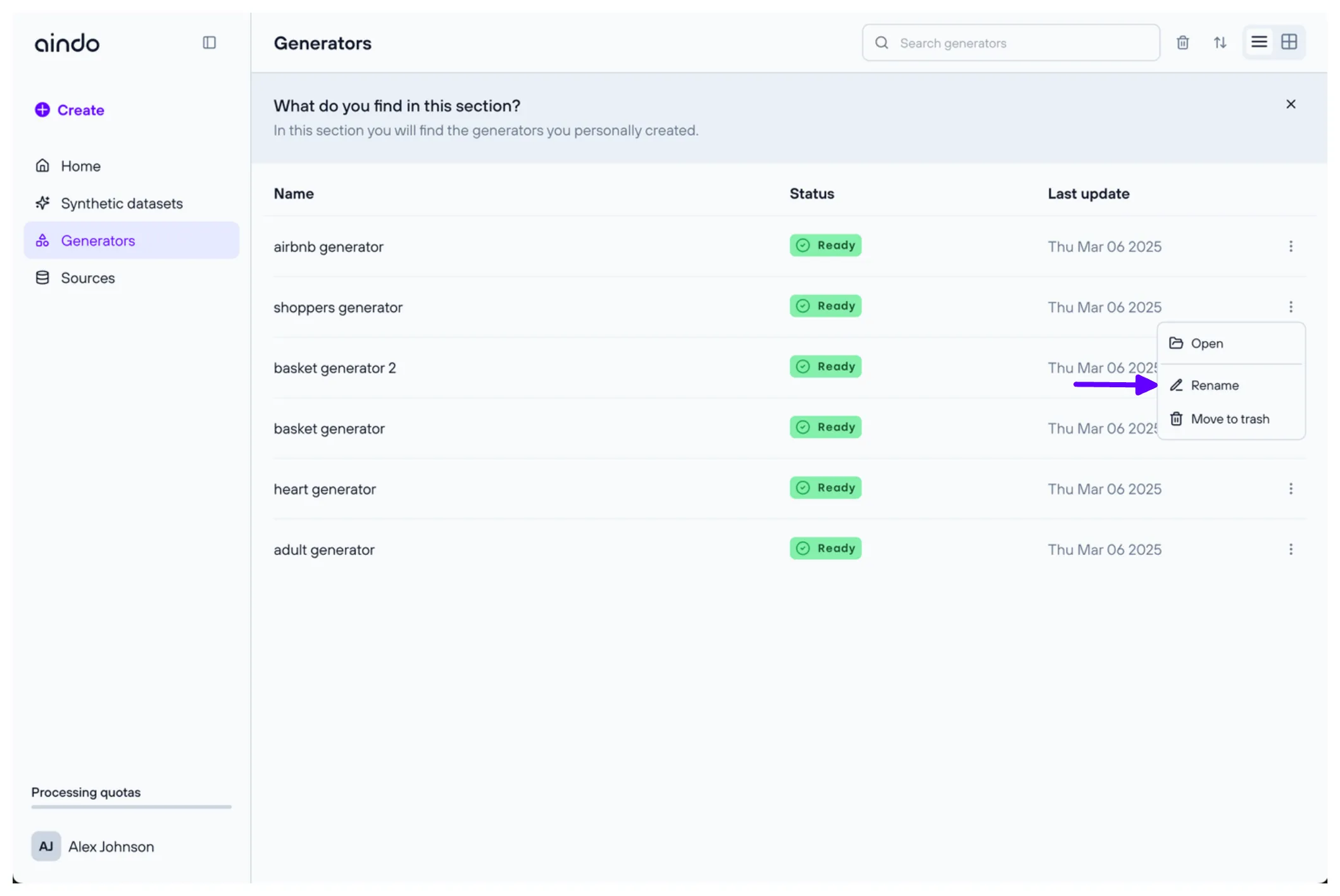
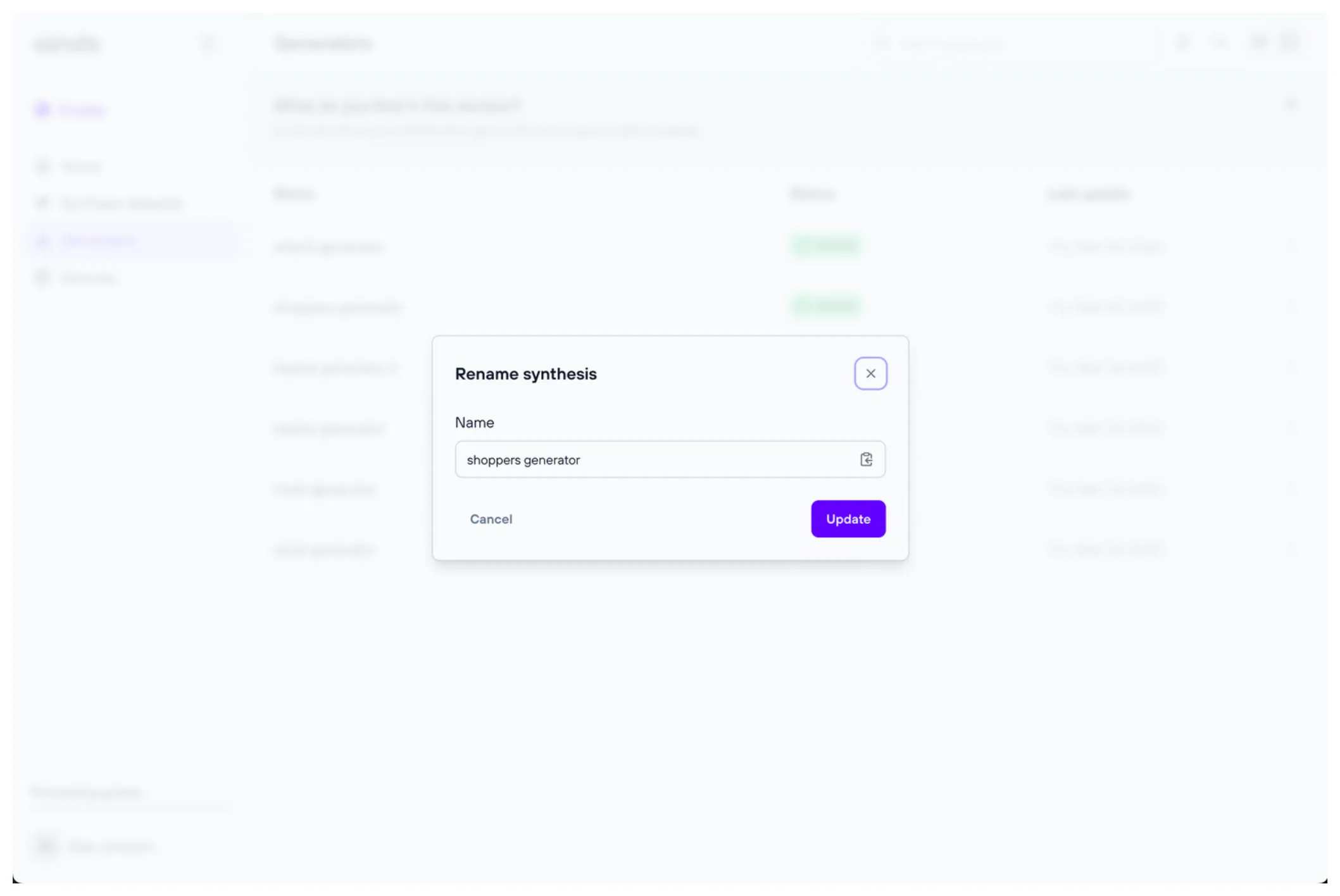
To rename a generator, navigate to the generators list page. Click the three dots on the right of the generator you want to rename, then select ‘Edit name’.
Share a generator
You can share a generator with specific registered users on the platform by assigning them roles.
To access the sharing options, you can either:
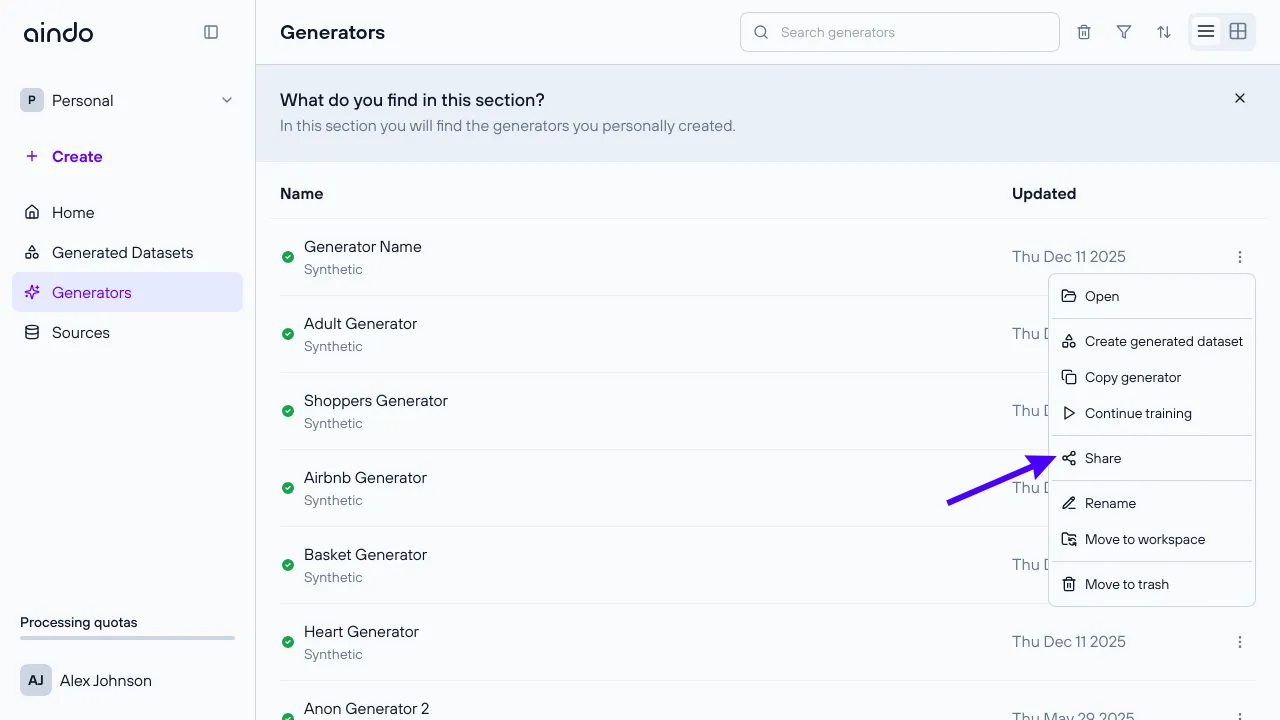
- From the generators list page, click the three dots in the row of the generator you want to share, then select Share.
- Open the generator and click the dropdown menu on the generator name at the top, then select Share.
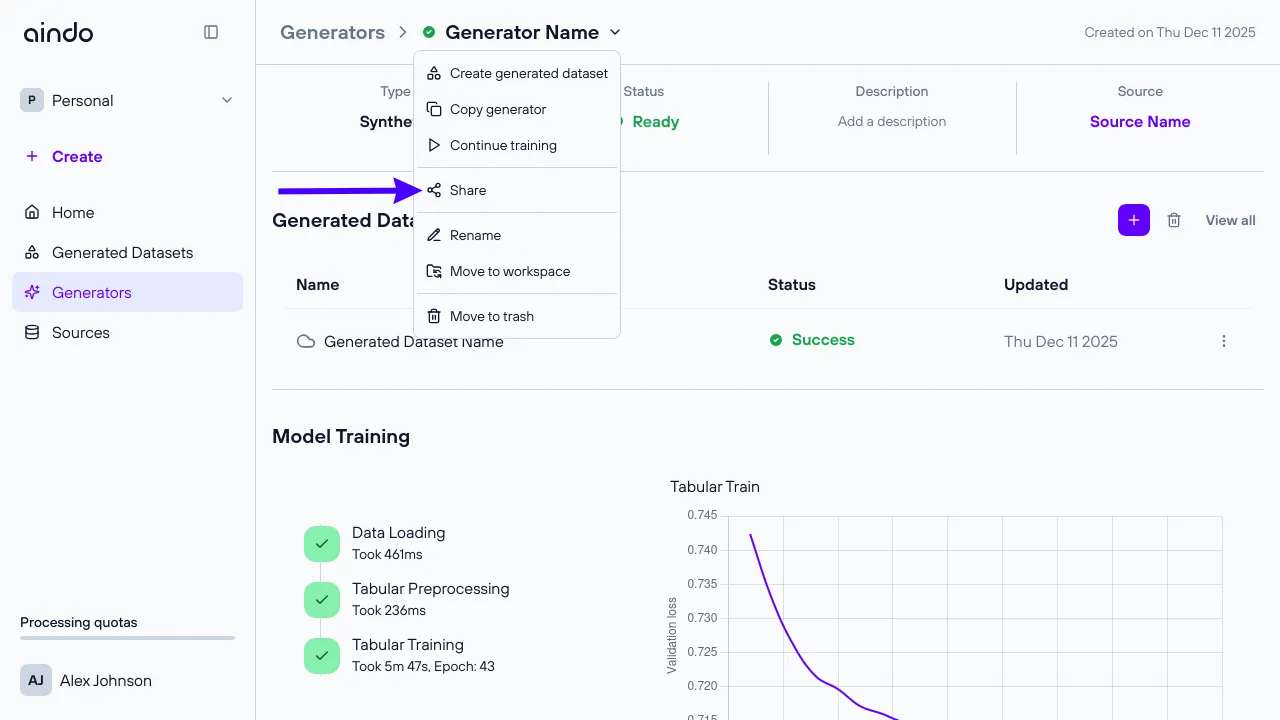
Share with users
In the sharing modal, you can share the generator with registered users:
- Search for users using the search field.
- Add users and assign them a role.
- View and manage existing sharing permissions.
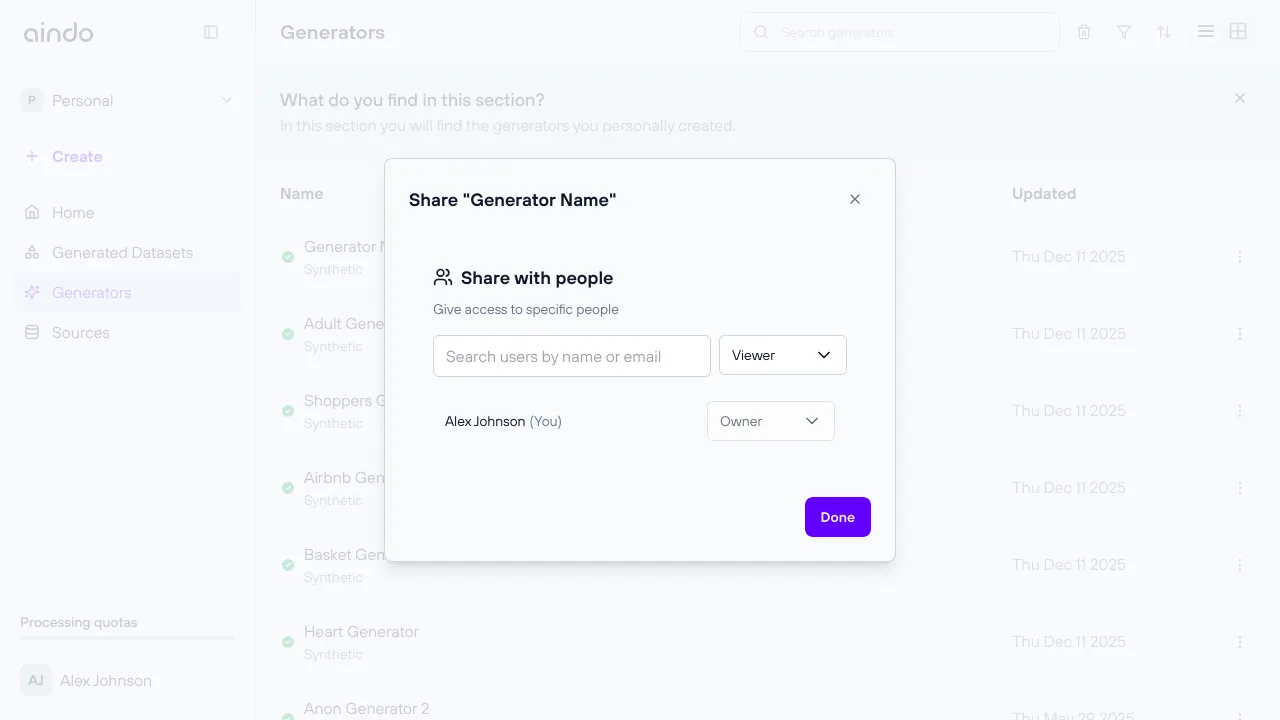
When you share a generator with a user, it will appear in their Personal workspace. Sharing a generator does not automatically share the source it was created from or any generated datasets. In the generator’s list of generated datasets, users will only see datasets they have permissions to access.
Roles and permissions
Viewer
- Can view the generator configuration.
- Can use the generator to create datasets.
Editor
- Has all Viewer permissions.
- Can rename the generator and change description.
Owner
- Has all Editor permissions.
- Can change sharing settings.
- Can move the generator to a workspace.
- Can delete the generator.
Delete a generator
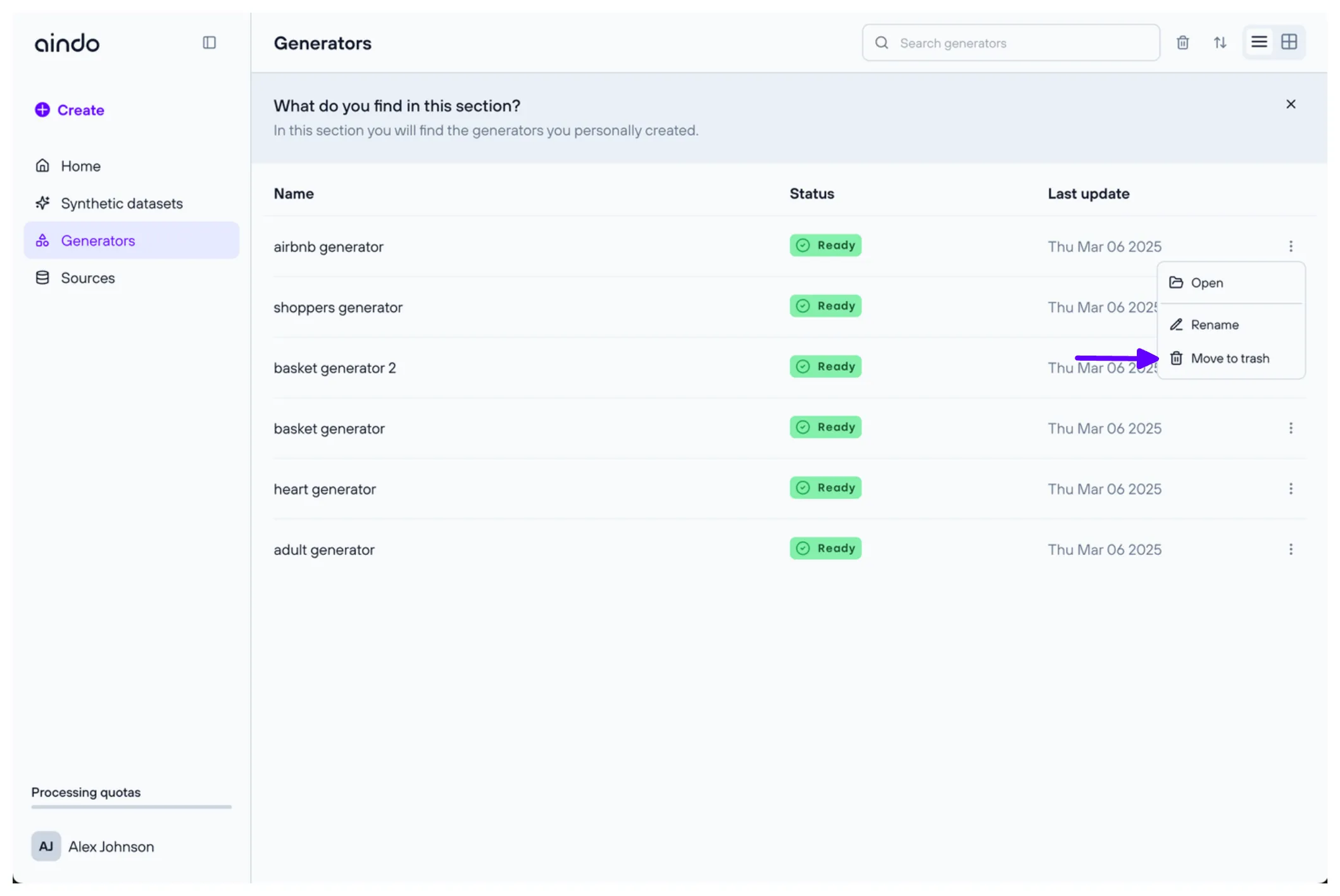
To delete a generator, navigate to the generators list page. Click the three dots on the right of the generator you want to delete, then select ‘Delete generator’.